

 Biowatch
Biowatch is a free, open-source desktop application that lets you analyze, visualize, and explore camera trap datasets entirely offline. Your sensitive wildlife data never gets uploaded to any server. Everything runs locally on your computer.
New to Biowatch?
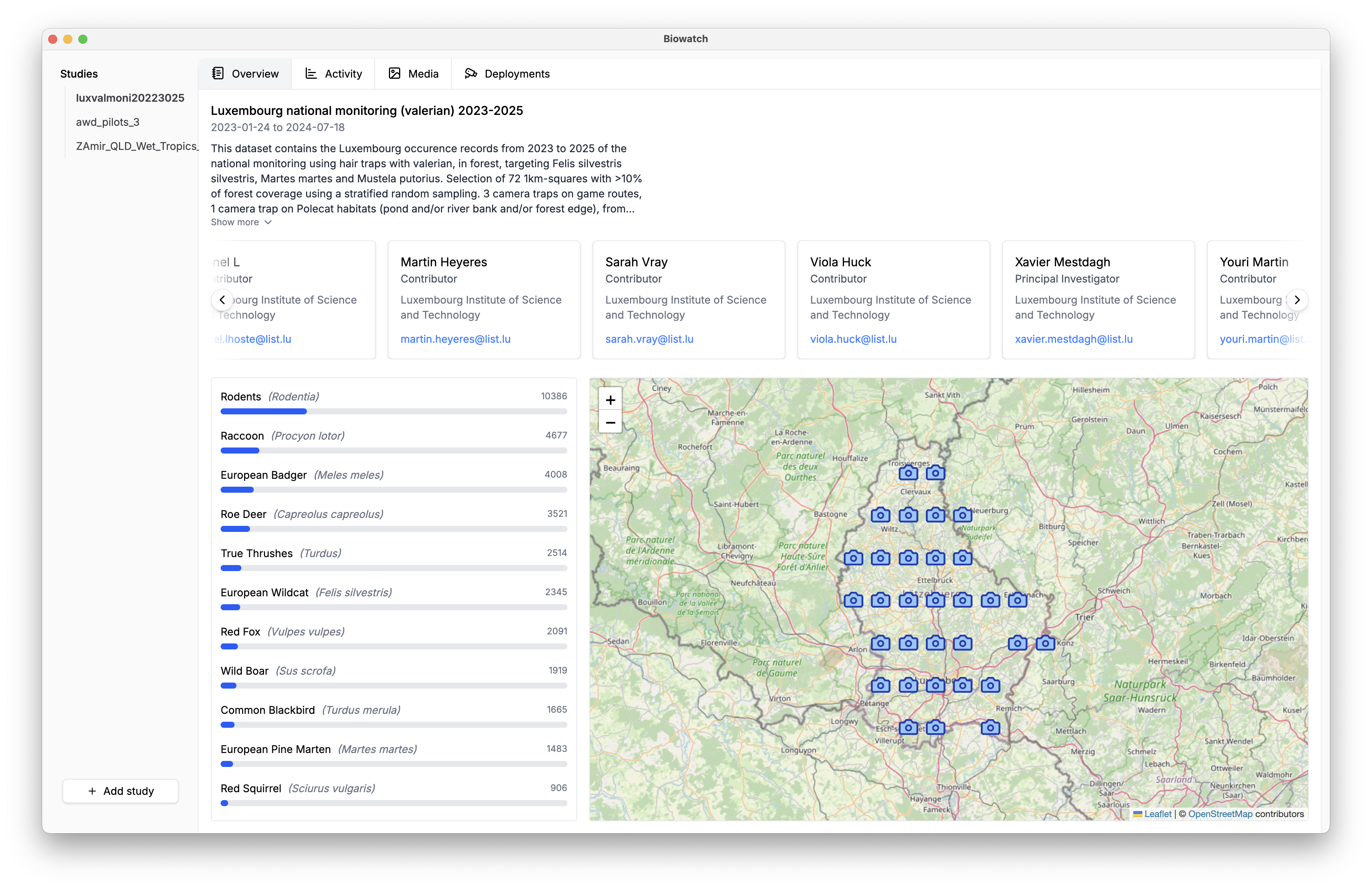
The full online manual covers every feature with step-by-step guides and screenshots: importing data, exploring studies, annotating images, running AI models, and exporting.
Read the ManualWhy Biowatch?
Three things set it apart:
100% offline & private
Your research data stays on your machine: no cloud uploads, no accounts, no tracking. Built for the sensitive location data of endangered species.
Open source
Inspect the code, contribute improvements, or adapt it to your needs. Built transparently by the conservation community, for the conservation community.
On-device AI
Run powerful species-identification models directly on your computer, with no internet required after setup.
Key Features
Everything from raw captures to published data:
Import from anywhere
Start from your own image folders, a Camtrap DP package, or curated public datasets from GBIF and LILA, or try the one-click demo dataset.
On-device species ID
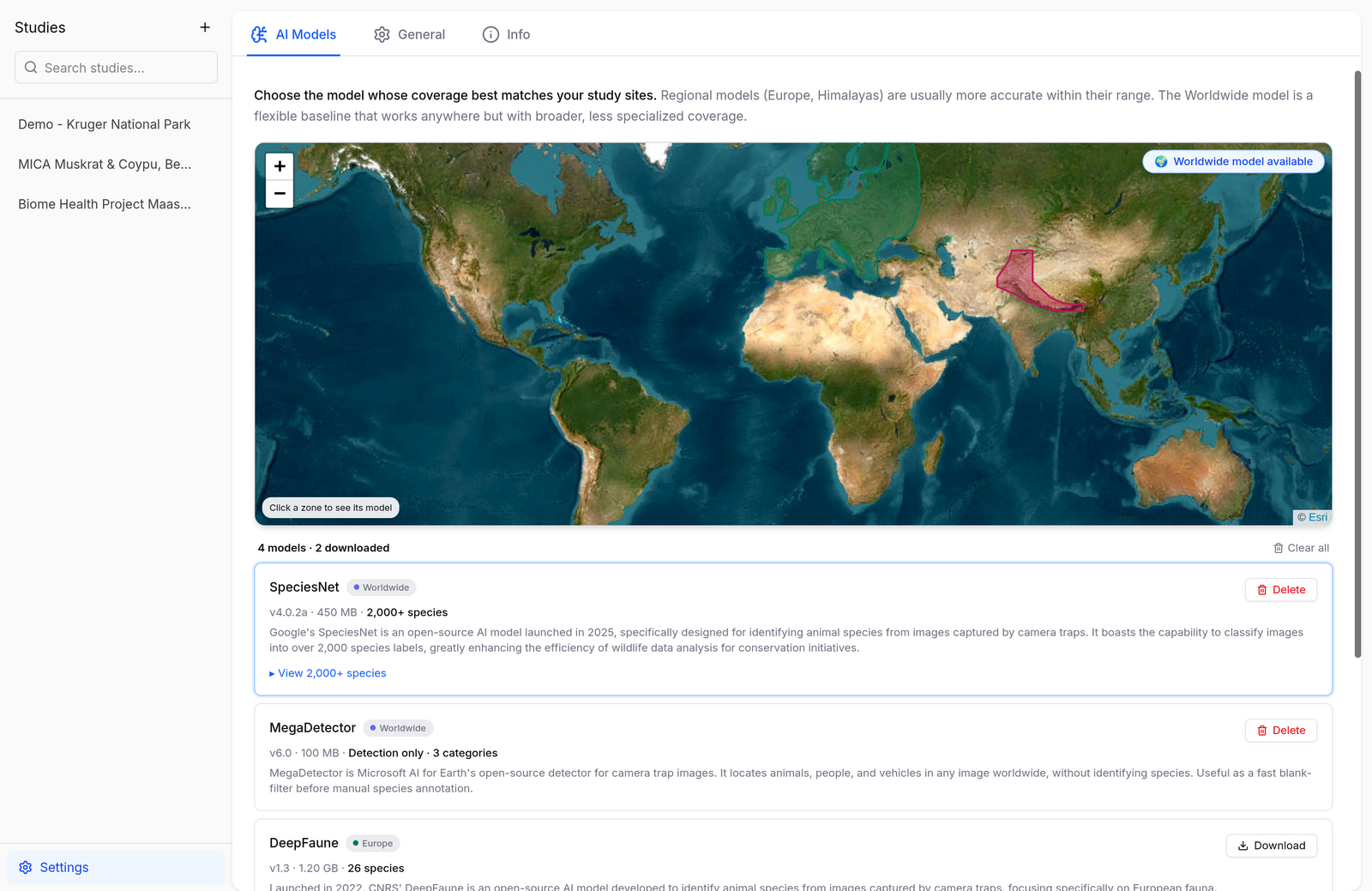
Detect and identify animals with local AI models (SpeciesNet, MegaDetector, DeepFaune, and Manas) and pick the best fit for your region from a coverage map.
Interactive maps
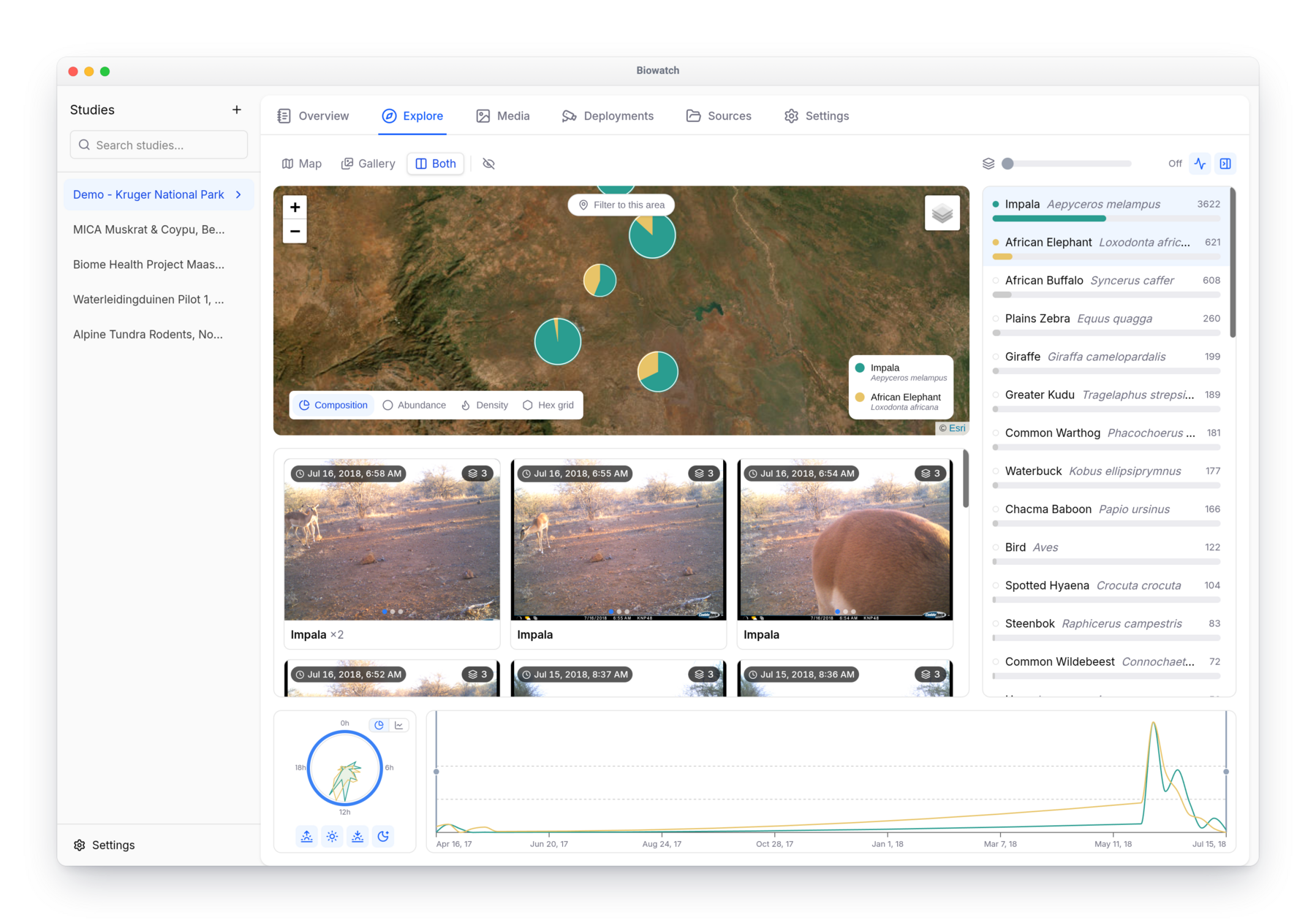
See camera locations as species pie-charts, abundance markers, or density heatmaps, and filter everything to an area you draw.
Activity & trends
Compare species with daily-activity clocks, seasonal timelines, and per-deployment activity charts.
Media management
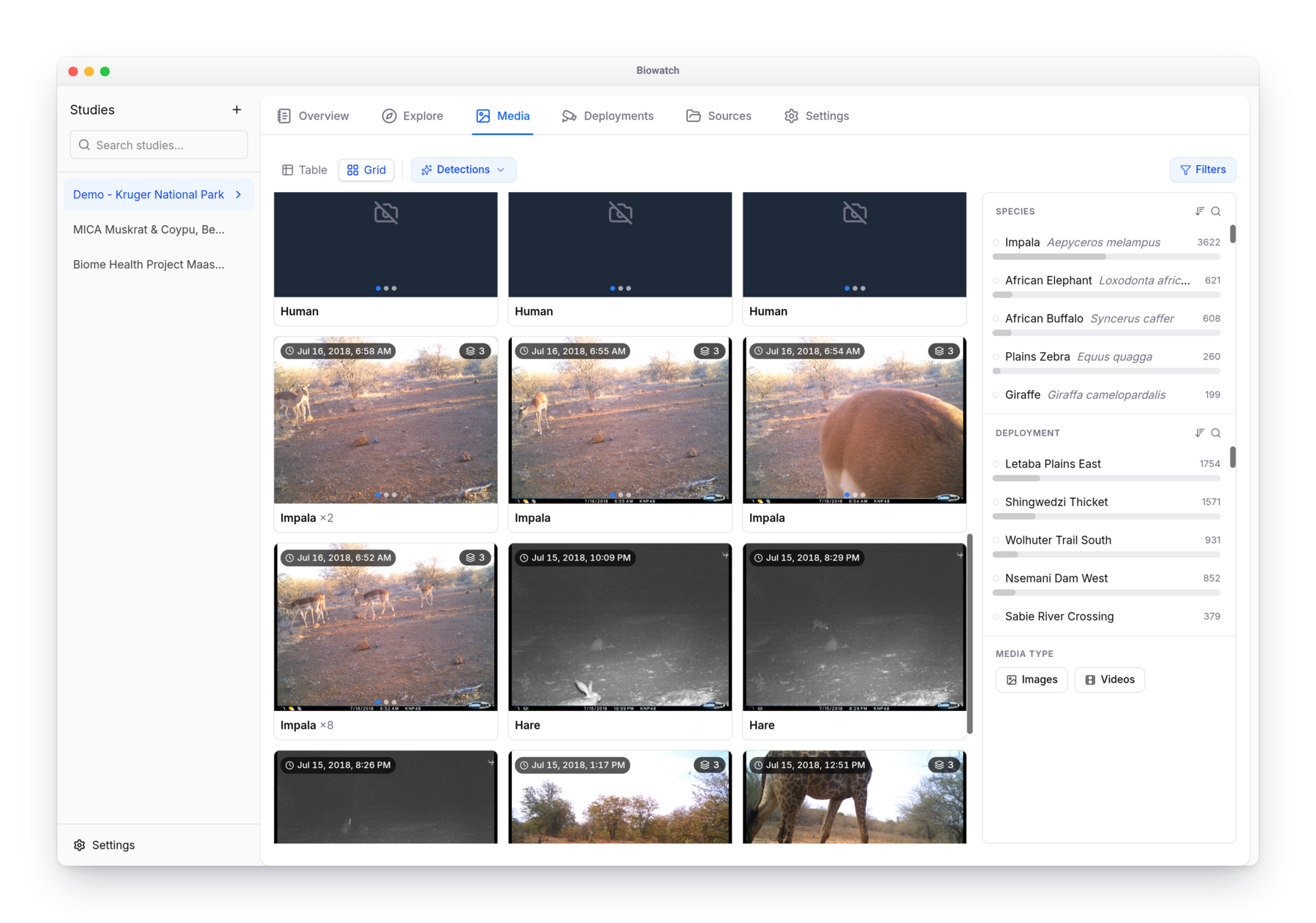
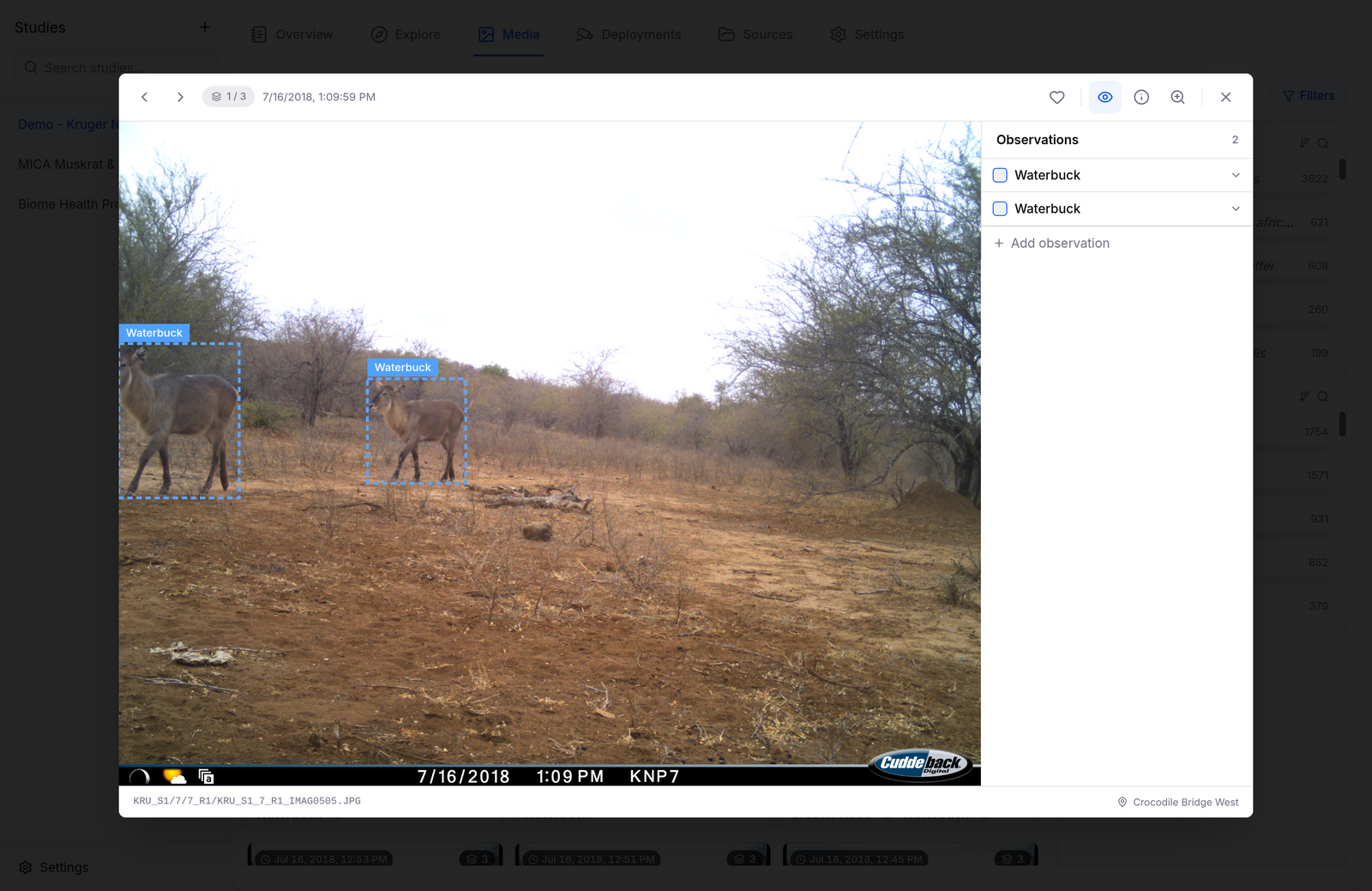
Browse, filter, and search thousands of images and videos, review AI detections, and correct bounding boxes.
Standards-based export
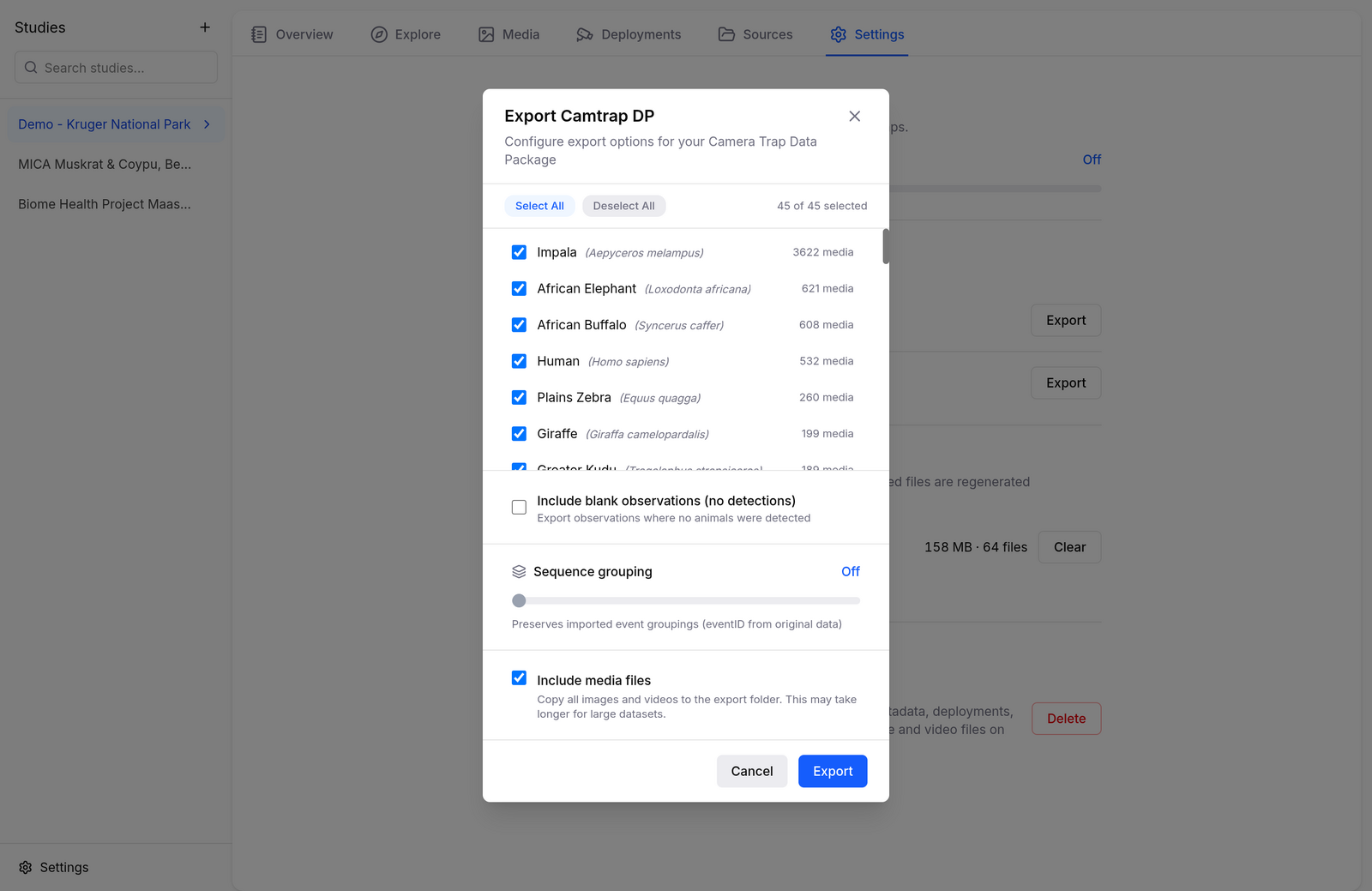
Publish to GBIF as a Camtrap DP package, or export your media organized into one folder per species.
About
Biowatch grew out of a simple conviction: researchers shouldn’t have to choose between modern AI tooling and keeping control of sensitive wildlife data.
Whether you’re tracking endangered species, studying behavior, or monitoring biodiversity, it turns raw camera-trap captures into clear results on your own machine, with no cloud, no subscriptions, and no lock-in.
Installation
- Run
biowatch-setup.exe - Follow the installation wizard
- Launch Biowatch from the Start menu or desktop shortcut
- Open the
.dmgdisk image - Drag Biowatch to your Applications folder
- On first launch, right-click the app and select “Open” (required for apps from outside the App Store)
AppImage (recommended):
- Make it executable:
chmod +x Biowatch.AppImage - Run it:
./Biowatch.AppImage
Debian/Ubuntu:
- Download the
.debpackage from all releases - Install:
sudo dpkg -i Biowatch_*.deb
Ready to try it?
Biowatch is free, open source, and built in the open. Download it for Windows, macOS, or Linux, or help us keep developing it.